Company
Business
MyFaceGuard launches a platform for managing photo use
MyFaceGuard helps organisations collect and review, in one place, the responses of employees, clients, partners and event participants about the use of their photos.

Trusted identity providers
One event, hundreds of photos and employees. Calculate how much working time and money a manual photo review costs.
Illustrative assumptions you can change.
Default hourly cost: €34.90 — EU average hourly labour cost (Eurostat, 2025, published 31 Mar 2026).
Upload photos — one at a time or many at once. MyFaceGuard processes all images simultaneously so you can manage photo use for every person in every photo without manual work.
MyFaceGuard uses face recognition to automatically identify registered people in your photos. Review the results, confirm recipients, and send photo use requests with one click. For unregistered people, simply add contact details to include them in the process.
New photo use request
Step 2 of 5 · Recipients

Recipients
Matching…Jānis Bērziņš
Identifying…
Līga Ozola
Identifying…
emils.kalnins@example.com
Added manually
Publishing channels
View photo use status for every person in every photo — all in one place. Export photo use certificates in PDF format whenever you need to prove GDPR compliance.

"MyFaceGuard turns a messy, manual photo use collection process into something clear, fast, and trustworthy. It gives us more confidence before publishing photos."
Krista Skujiņa
Certified yoga teacher, Netherlands
Updates, features, and insights from MyFaceGuard
MyFaceGuard helps organisations collect and review, in one place, the responses of employees, clients, partners and event participants about the use of their photos.
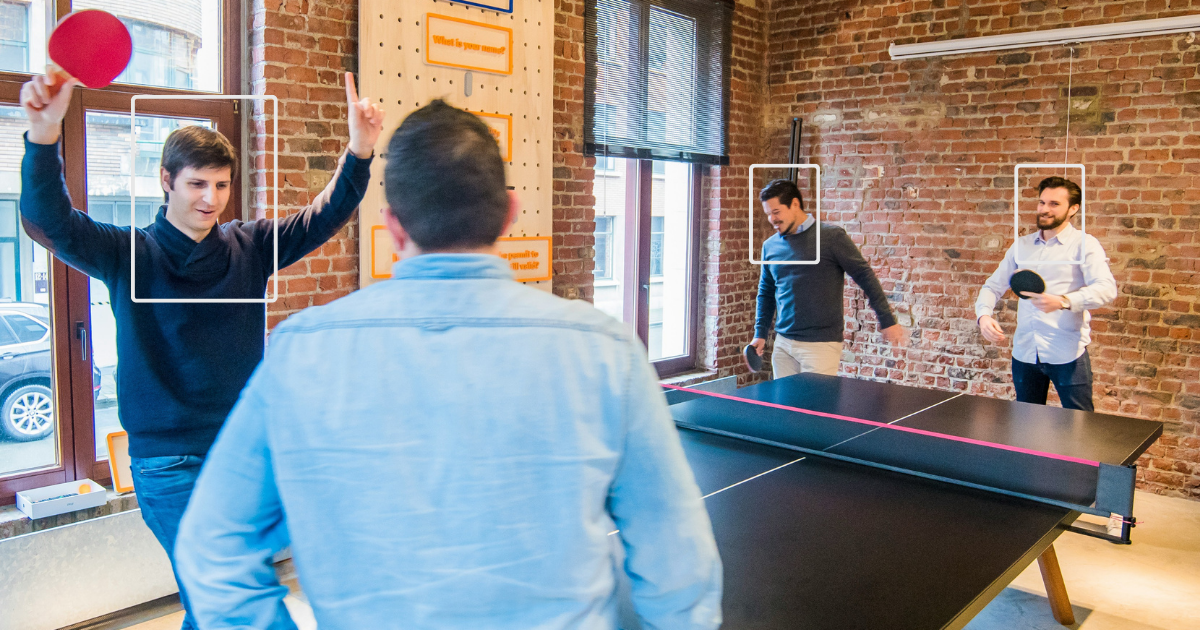
Facial recognition in MyFaceGuard is optional and only helps you find photos faster — confirming the match and allowing photo use are always your own separate decisions.
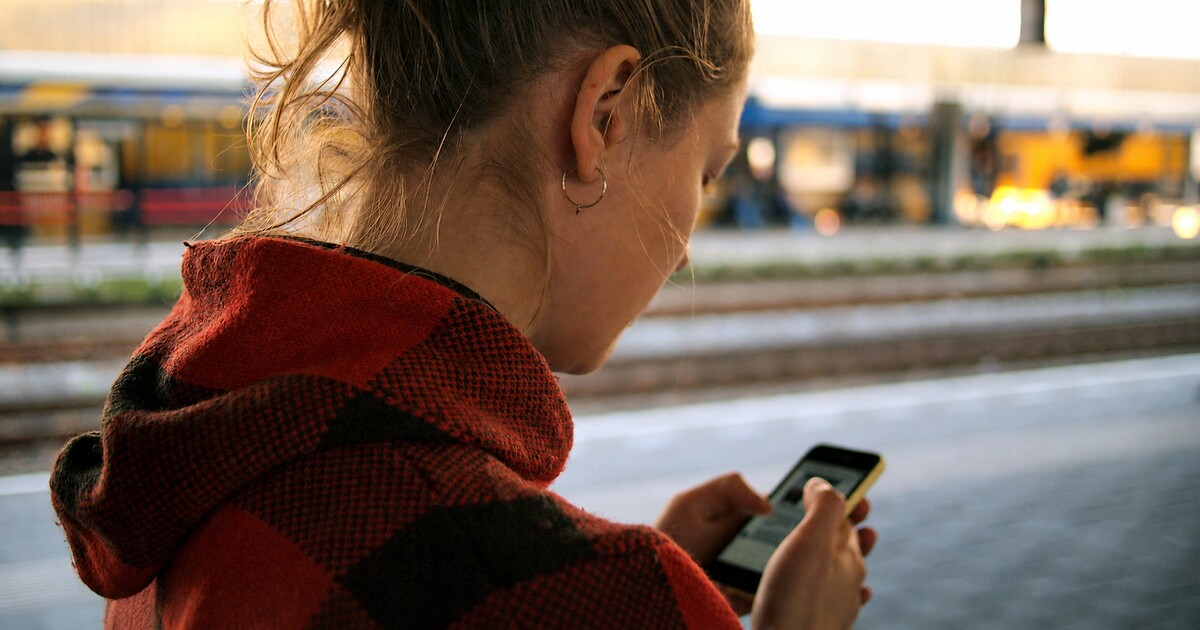
See how verified identity helps organisations document photo use approvals, manage employee and event images, and keep a clear consent history.
Use MyFaceGuard and always know which individuals have approved the use of their photos before you publish them.